
How to Use the Automation Builder
How to Use the Automation Builder
The Elvee Automation Builder lets you turn repeated Tesla tasks into routines that run when the right moment arrives. Instead of opening the app to send each command separately, you can connect an event to a condition and a sequence of actions.
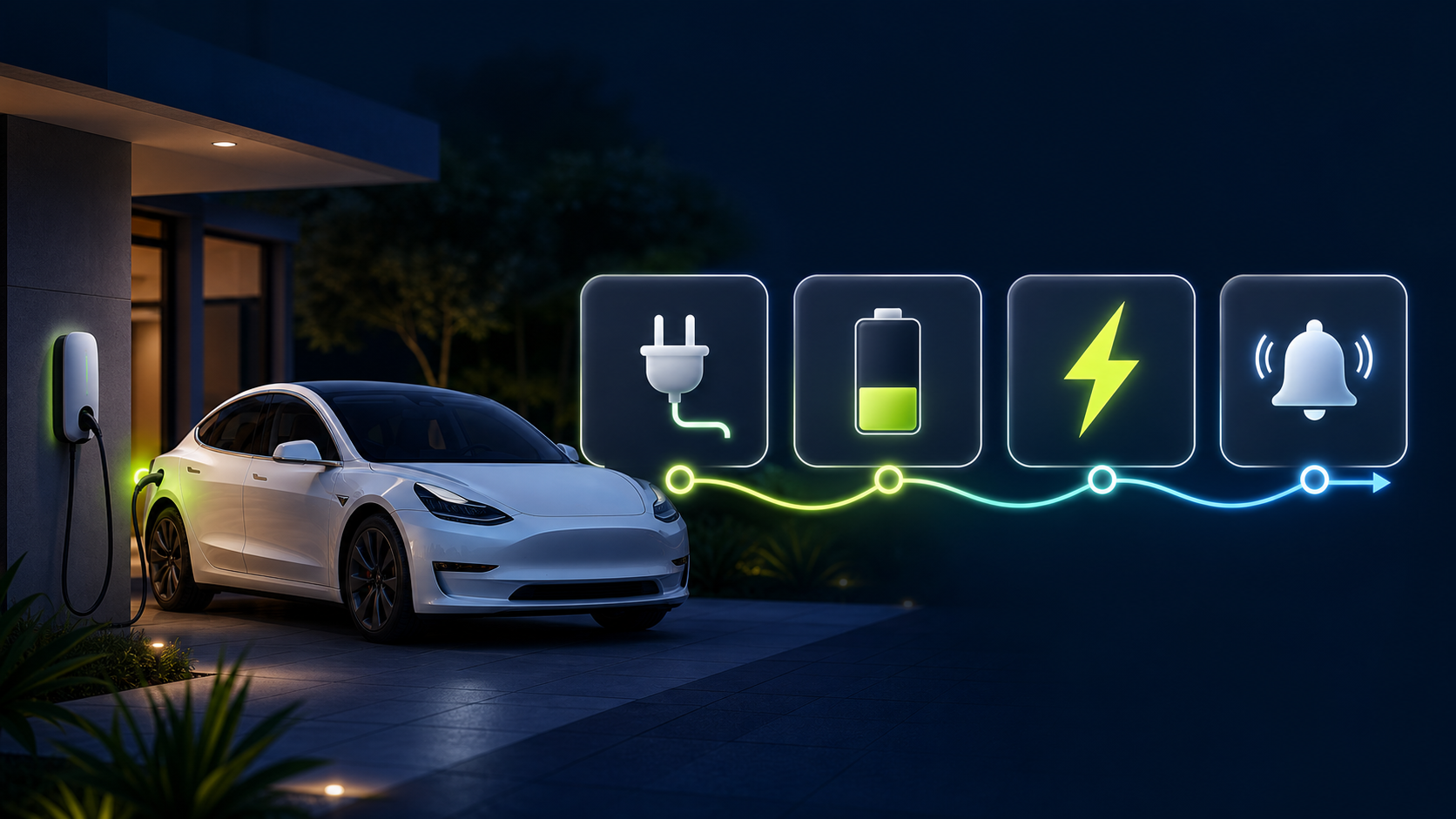
The Automation Builder in one sentence
Choose when the routine should start, decide only if it should continue, then choose what Elvee should do for your vehicle.
Create your first automation
- Open Automations in the Elvee app and tap Create automation.
- Give the routine a name that explains the outcome, such as Ready for tomorrow or Cool the cabin before work.
- Choose a trigger. You can start a routine when you arrive or leave a saved location, on a repeating schedule, when the vehicle is plugged in, during a charging window, at a one-time date and time, or after a Sentry event.
- Add conditions when the vehicle context matters. For example, continue only when the battery is below 80%, the vehicle is parked, or the cable is connected.
- Add the actions in the order they should run. You can combine vehicle controls, charging settings, climate actions, waits, and notifications into one sequence.
- Review the summary, save the automation, and turn it on.
A useful first routine: charge while you sleep
The most useful starting point for many Tesla owners is a simple home-charging routine:
- Trigger: When the vehicle is plugged in at home.
- Condition: Continue only if the battery is below your target, such as 80%.
- Actions: Start charging, wait between follow-up steps if needed, and send a notification when the routine reaches its final step.
This keeps the routine focused. Elvee reacts when you plug in, avoids unnecessary commands when the battery is already at the target, and gives you a clear confirmation instead of making you check the app repeatedly.
Other routines worth building
- Weekday departure: Run climate at a repeating time, then notify you when the cabin is ready.
- Arrive home: When you reach Home, check the battery and charging state, then start the preferred charging sequence.
- Sentry awareness: When a Sentry movement or alarm event occurs, send a notification so you can decide what to do next.
- Weekend preparation: Use a one-time event before a trip to set a charge limit, start charging, and remind yourself when the sequence begins.
Tips for reliable automations
- Start with one trigger and one or two actions, then add complexity after the basic routine works.
- Use conditions to prevent duplicate or unnecessary vehicle commands.
- Name routines by the result you want, not by the internal steps.
- Keep notifications for meaningful milestones so they remain useful.
- Make sure your vehicle is connected and that the selected saved locations are accurate.
Automations are designed to make everyday Tesla ownership feel more effortless. Build one routine around a task you repeat this week, watch how it behaves, and refine it until it fits your routine.
Was this article helpful?
Help us improve our documentation for Tesla owners.
Still need assistance?
If this article didn't answer your question, write to us.